
# Ollama
# First launch of Ollama
Go to https://qcg.pcss.plcloud.pl (opens new window)
# Submit Task
Click "Submit Task"

Find the Ollama template
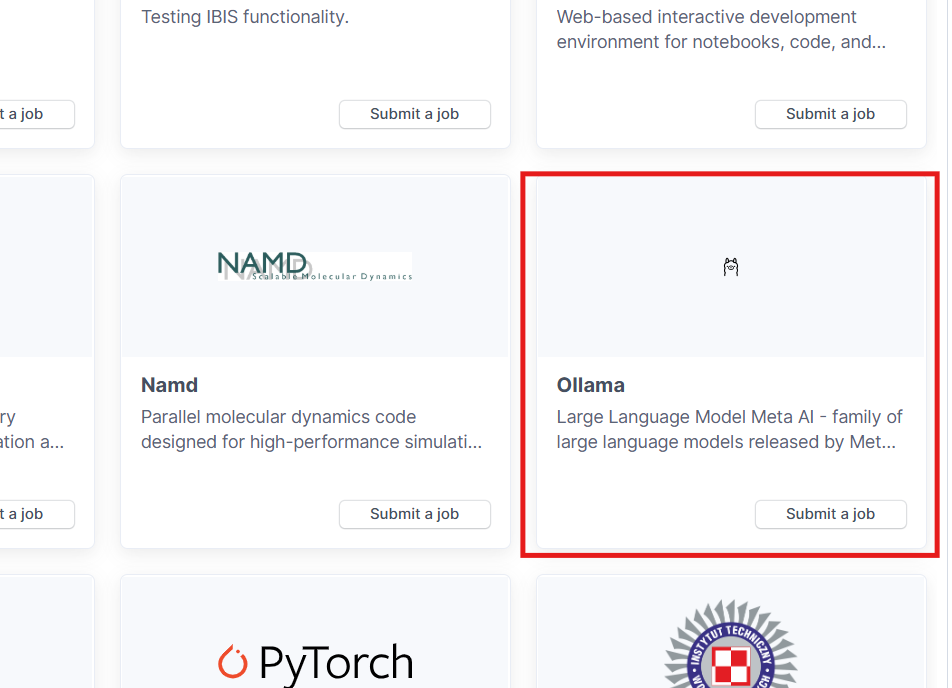
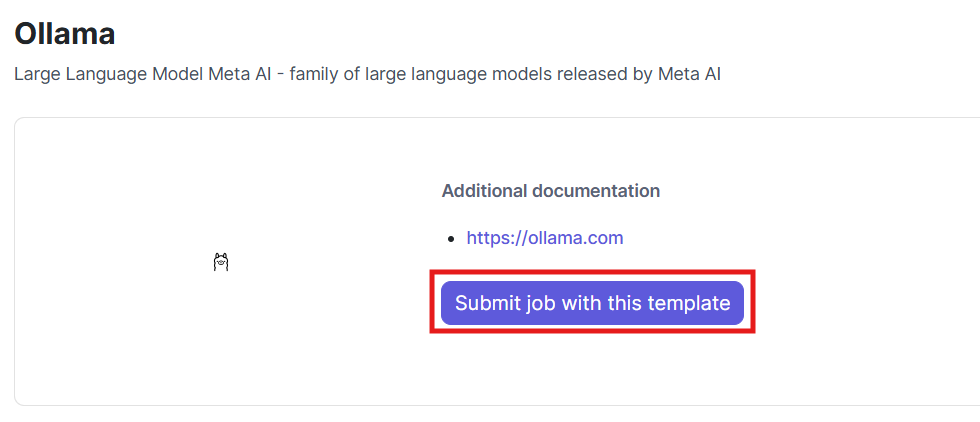
Submit using the template
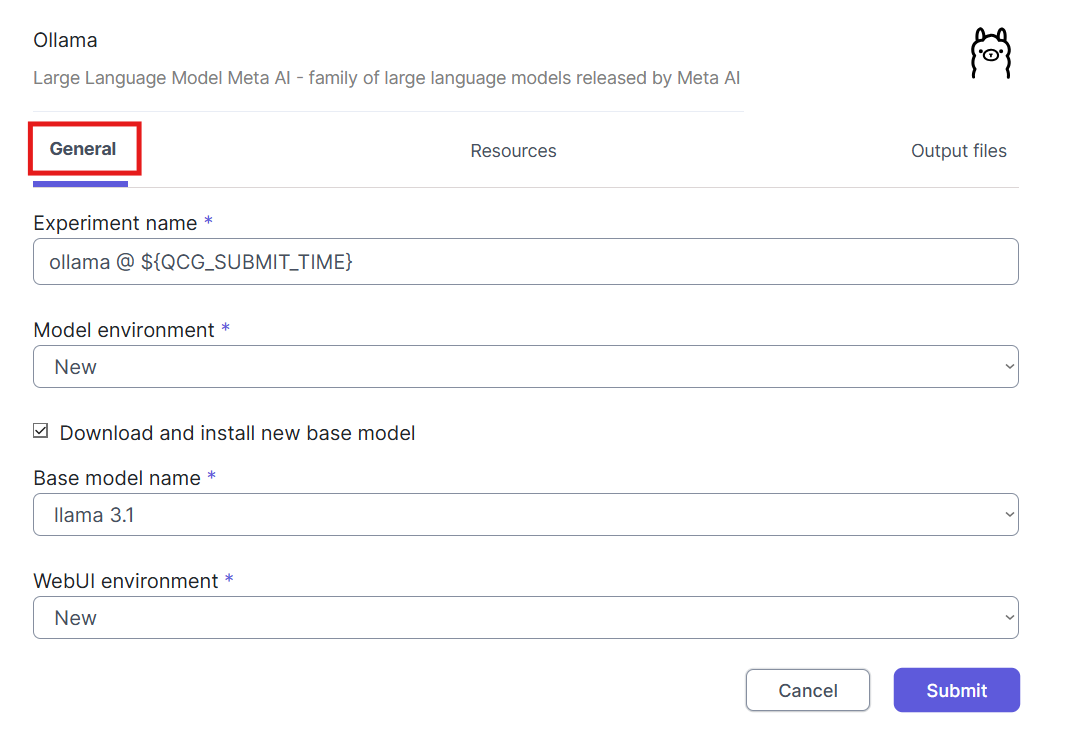
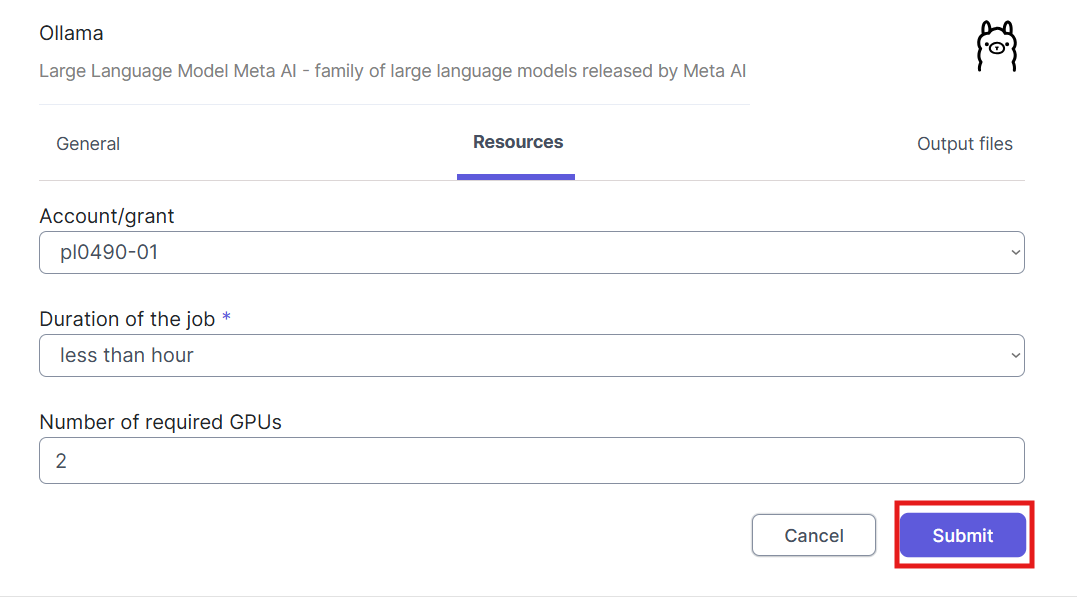
Set the appropriate General options (you can leave them by default)
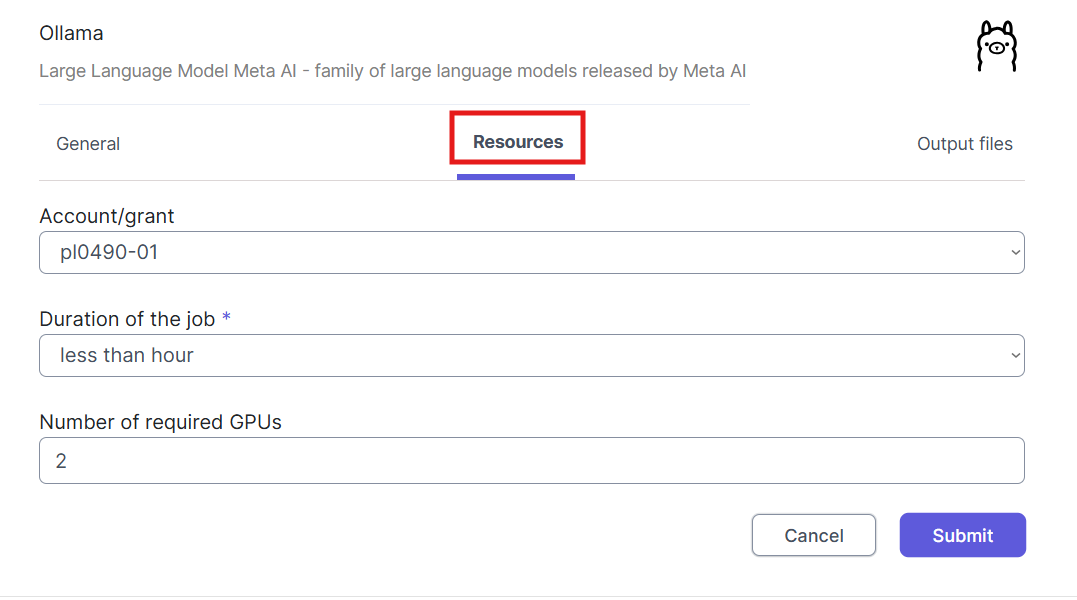
Set the resource options as needed
When all options are set, click "Submit"
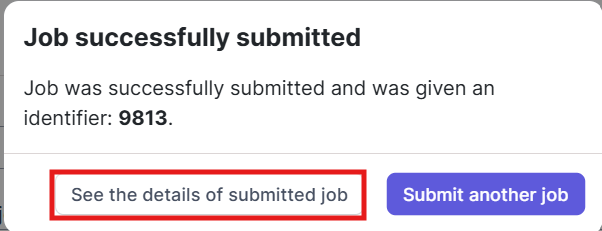
When the environment is ready, go to the Overview tab and click VNC
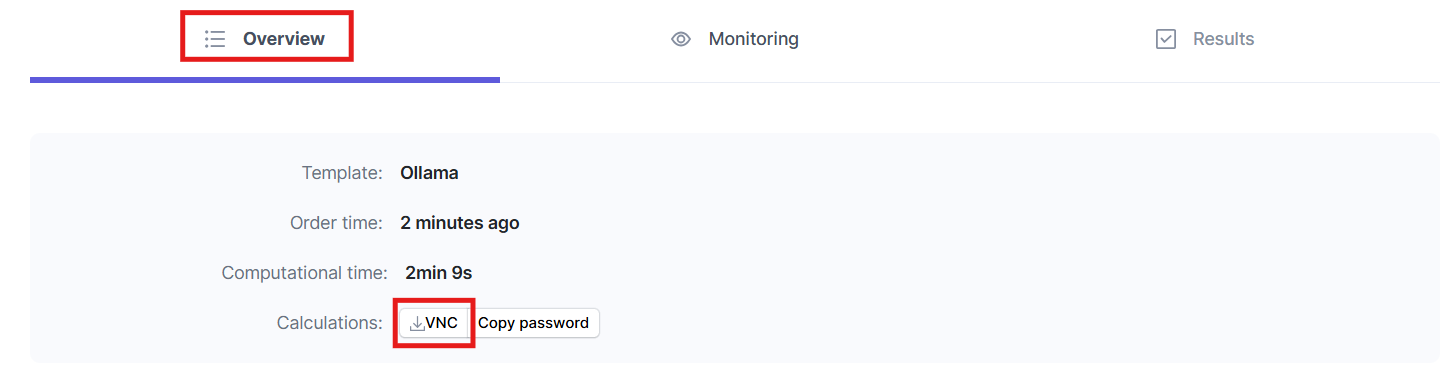
You will be redirected to the OpenWebui interface, where you need to create an account

Use it
# Deleting a task

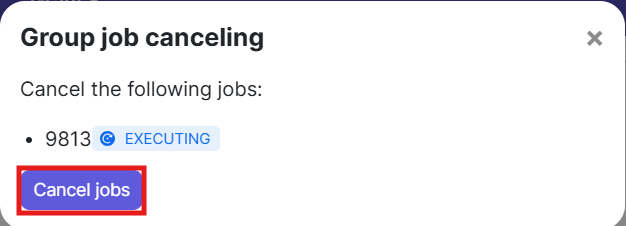
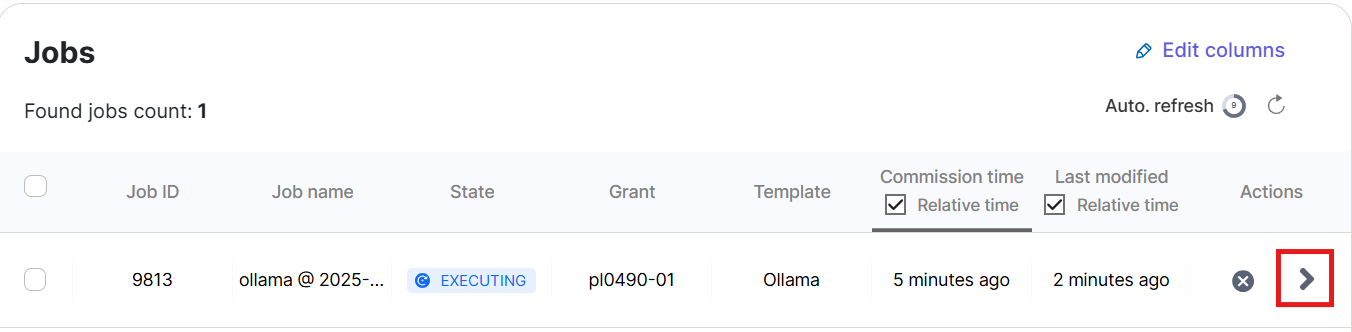
For the appropriate task, click Cancel Task
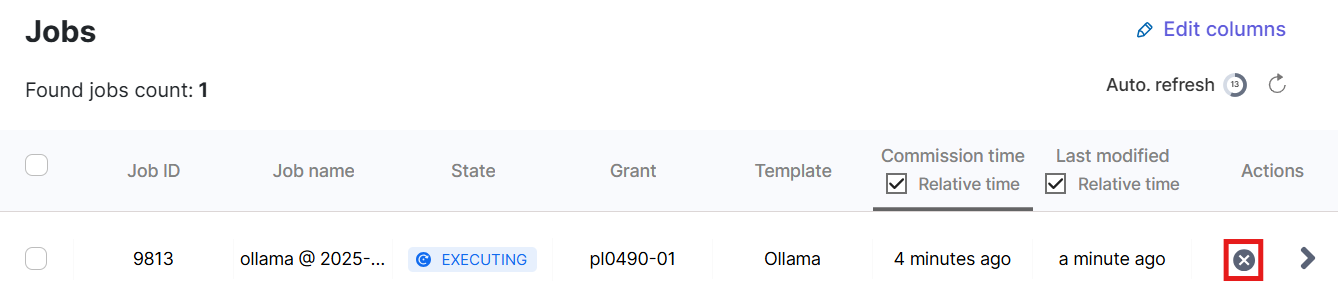
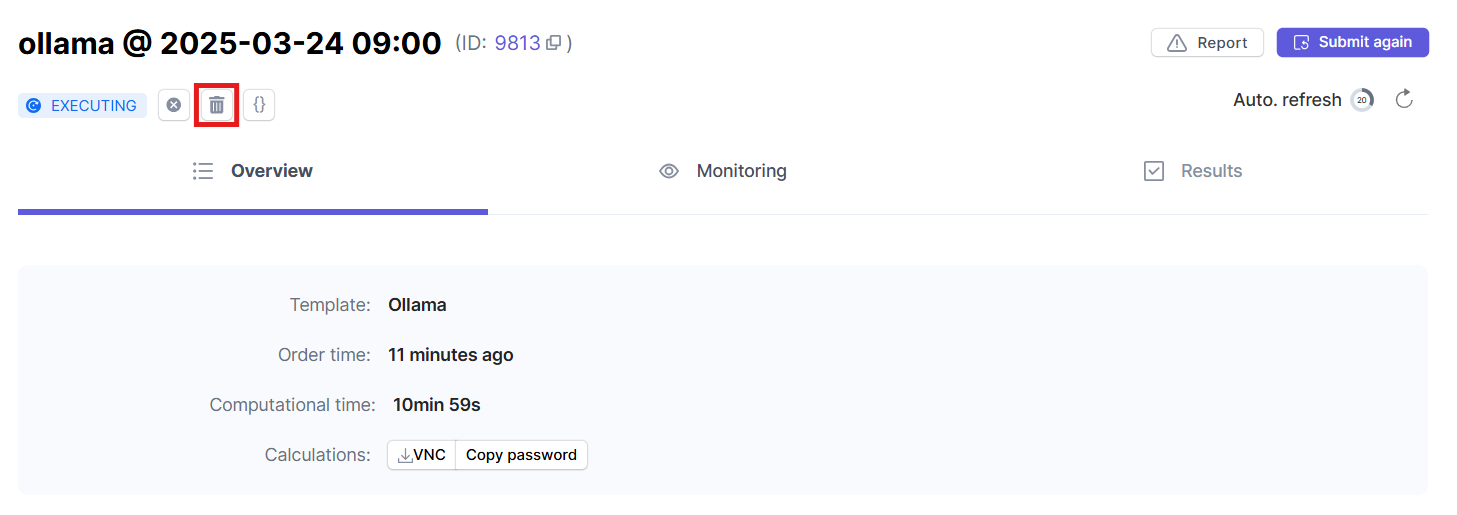
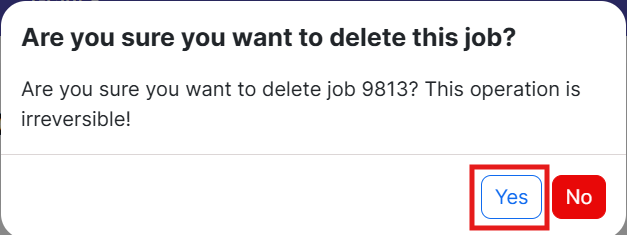
Delete it
# Using an Environment from a Pre-Existing Job
Click "Submit Task"
Find the Ollama template
Submit using the template
Set the appropriate General options
Change the Model Environment to Use Existing
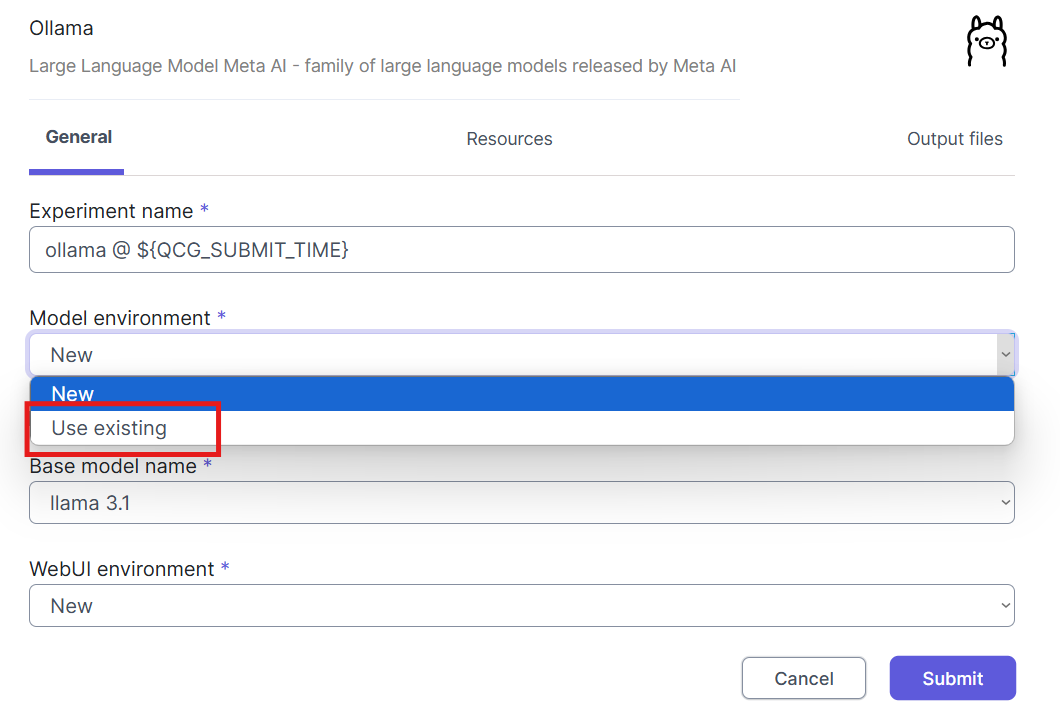
Go to home@altair
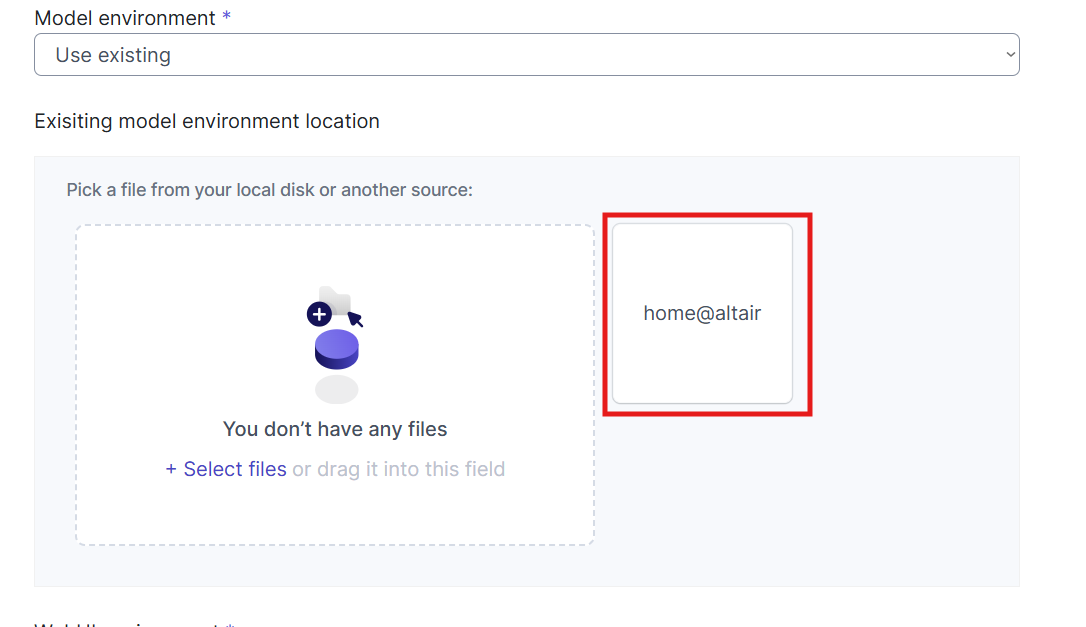
Find a similar path to the model environment and confirm



In the Webui environment similarly select use existing
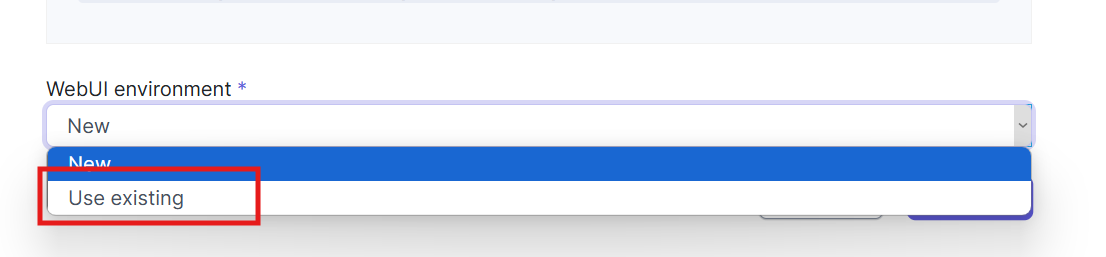
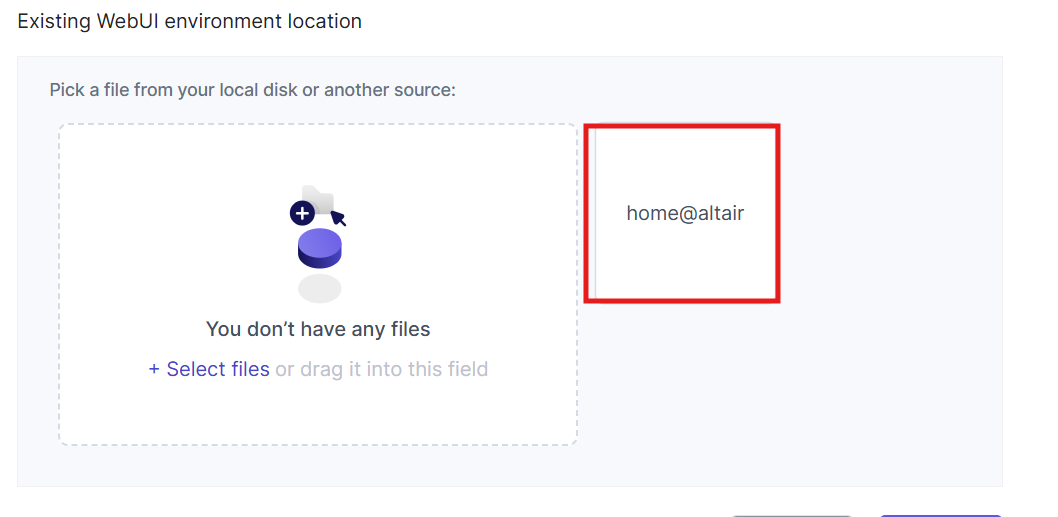



Set the resource options as needed
When all options are set, click "Submit"
When the environment is ready, go to the Overview tab and click VNC
You will be redirected to the OpenWebui interface, where you need to create an account
Use it
# Searching the web with OpenWebui
Go to admin panel

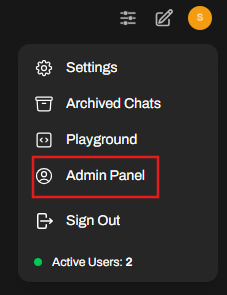
Go to settings

Go to web search
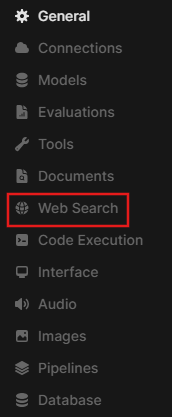
Make sure web search is allowed

Expand the list of search engines

And choose the right one for you
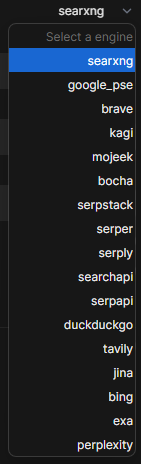
Configure based on the appropriate tutorial
https://docs.openwebui.com/category/-web-search/ (opens new window)
Configure the rest of the parameters (you can leave it default)
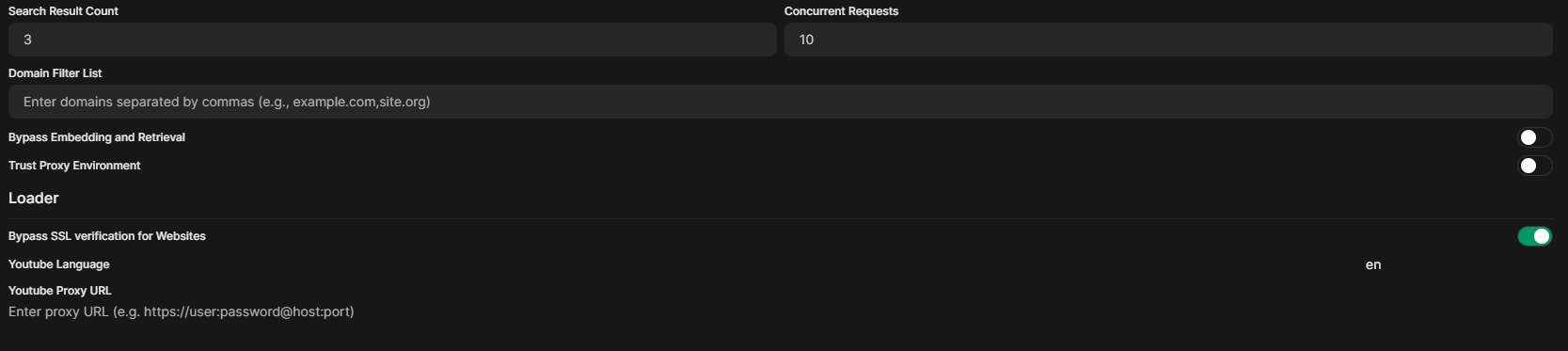
Go to chat

Indicate that you want to search the internet
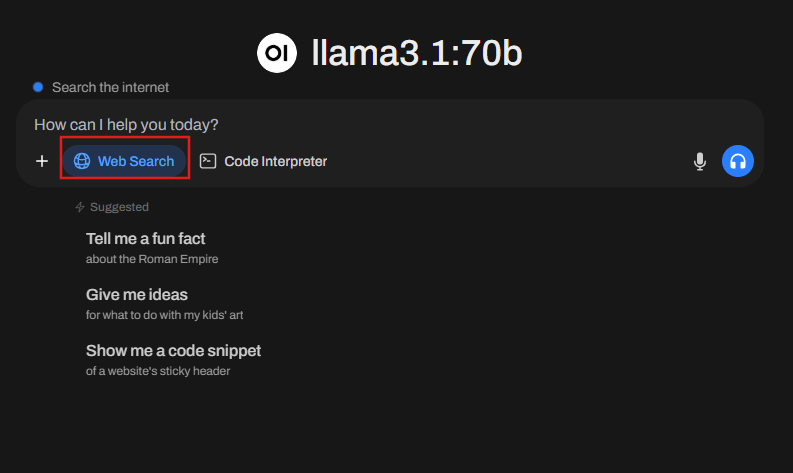
Type a query.
# Ollama command line
Symbolic linking of 2 directories: ~/.singularity and ~/.ollama
ln -s <grant_id>/project_data/ollama/ ~/.ollama
ln -s <grant_id>/project_data/singularity/ ~/.singularity
Log in to a GPU node and select the number of available GPUs
srun --mem 100G --gpus-per-node 4 -p proxima --pty bash
Create a definition file ollama.def
Bootstrap: docker
From: ollama/ollama

%startscript
   ollama serve
Build the image
sudo singularity build ollama.sif ollama.def
Run the container
# ollama runs on port 11434
singularity instance start --nv --bind /mnt/:/mnt/ ollama.sif ollama
Enter the container
singularity shell instance://ollama
Test the selected model
ollama run deepseek-r1:7b